

In recent weeks, we have seen an increasing number of targeted phishing attacks. One particular aspect of this threat is the deception of malicious attackers posing as the well-known Meta group, which includes platforms such as Facebook, WhatsApp, and Instagram.
The Modus Operandi of the Strikers
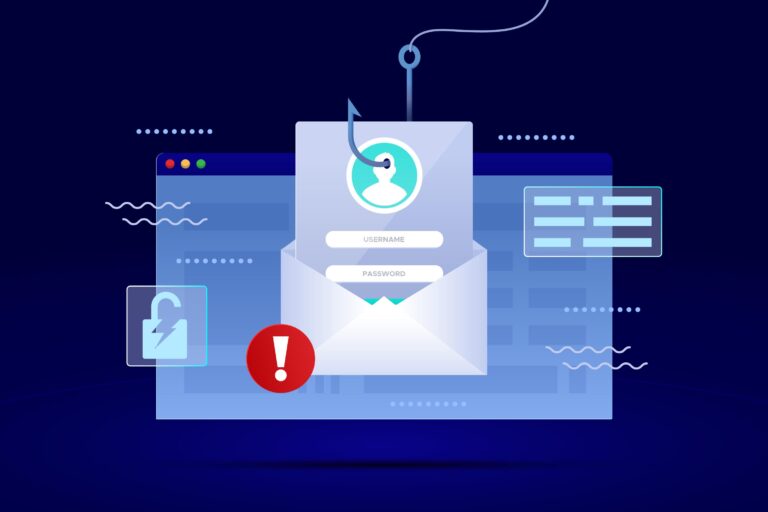
The scammers behind these phishing attacks are cleverly exploiting the trust associated with the Meta brand to trick victims into providing sensitive information. Victims receive emails ostensibly from disguised Meta addresses containing malicious links. Once clicked, these links lead to counterfeit web pages with a form requesting sensitive data.
How to Recognize and Protect Yourself
- Careful Verification of E-mail Address: Carefully review senders’ e-mail addresses. Attackers often use addresses similar to official ones, but with slight variations.
- Urgent Messages and Requests for Sensitive Data: Be skeptical of panic-inducing e-mails threatening account suspension or asking for personal data. Legitimate institutions rarely request sensitive information via e-mail.
- Beware of Links: Avoid clicking on links in suspicious e-mails. Hover over them to check the full URL before clicking.
- Report Suspicious E-mails: Forward any suspicious e-mails to your security team or IT administrator. Early reporting can prevent further damage.
- Staff Awareness: Informs all members of the organization about the current phishing threat and reinforces security measures.
Each of us must do our part to protect sensitive information and ensure the security of humanitarian institutions. Collaboration and awareness are key to countering these threats.